



Contact Us
3V Learning Centre
Block 4, Unit 7,
2, Araromi Street, Off Moloney street,
Behind Access Bank, Obalende,
Lagos Island, Lagos, Nigeria.
Phone:
+2348080016941,+2348099614641,
Whatsapp
+2348080016941,+2348099614641,
+2348023306865
Our Opening Hours
IT
- Details
- Category: IT
- Hits: 3409
- What is SEO?
- ‘User Experience’ Matters
- Balancing Conversions With Usability & User Satisfaction
- Google Wants To Rank High-Quality Websites
- Google Is Not Going To Rank Low-Quality Pages When It Has Better Options
- Technical SEO
- What Is Domain Authority?
- Is Domain Age An Important Google Ranking Factor?
- Google Penalties For Unnatural Footprints
- Ranking Factors
- Keyword Research
- Do Keywords In Bold Or Italic Help?
- How Many Words & Keywords Do I Use On A Page?
- What is The Perfect Keyword Density?
- ‘Things, Not Strings’
- Can I Just Write Naturally and Rank High in Google?
- Do You Need Lots of Text To Rank Pages In Google?
- Optimise For User Intent & Satisfaction
- Optimising For ‘The Long Click’
- Page Title Element
- Meta Keywords Tag
- Meta Description Tag
- Robots Meta Tag
- Robots.txt File
- H1-H6: Page Headings
- Alt Tags
- Link Title Attributes, Acronym & ABBR Tags
- Search Engine Friendly URLs (SEF)
- Absolute Or Relative URLs
- Subdirectories or Files For URL Structure
- Which Is Better For Google? PHP, HTML or ASP?
- Does W3C Valid HTML / CSS Help Rank?
- Point Internal Links To Relevant Pages
- Link Out To Related Sites
- Broken Links Are A Waste Of Link Power
- Does Only The First Link Count In Google?
- Duplicate Content Penalty
- Double or Indented Listings in Google
- Redirect Non-WWW To WWW
- 301 Redirects Are POWERFUL & WHITE HAT
- Canonical Link Element Is Your Best Friend
- Do I Need A Google XML Sitemap For My Website?
- Rich Snippets
- Dynamic PHP Copyright Notice in WordPress
- Adding Schema.org Mark-up to Your Footer
- Keep It Simple, Stupid
- How Fast Should Your Website Download?
- A Non-Technical Google SEO Strategy
- What Not To Do In Website Search Engine Optimisation
- Don’t Flag Your Site With Poor Website Optimisation
- The Continual Evolution of SEO
- Beware Pseudoscience
- How Long Does It Take To See Results?
- What Makes A Page Spam?
- If A Page Exists Only To Make Money, The Page Is Spam, to Google
- Doorway Pages
- A Real Google Friendly Website
- Google Webmaster Guidelines
- Free SEO EBOOK (2016) PDF
- Details
- Category: IT
- Hits: 8518

About the Course
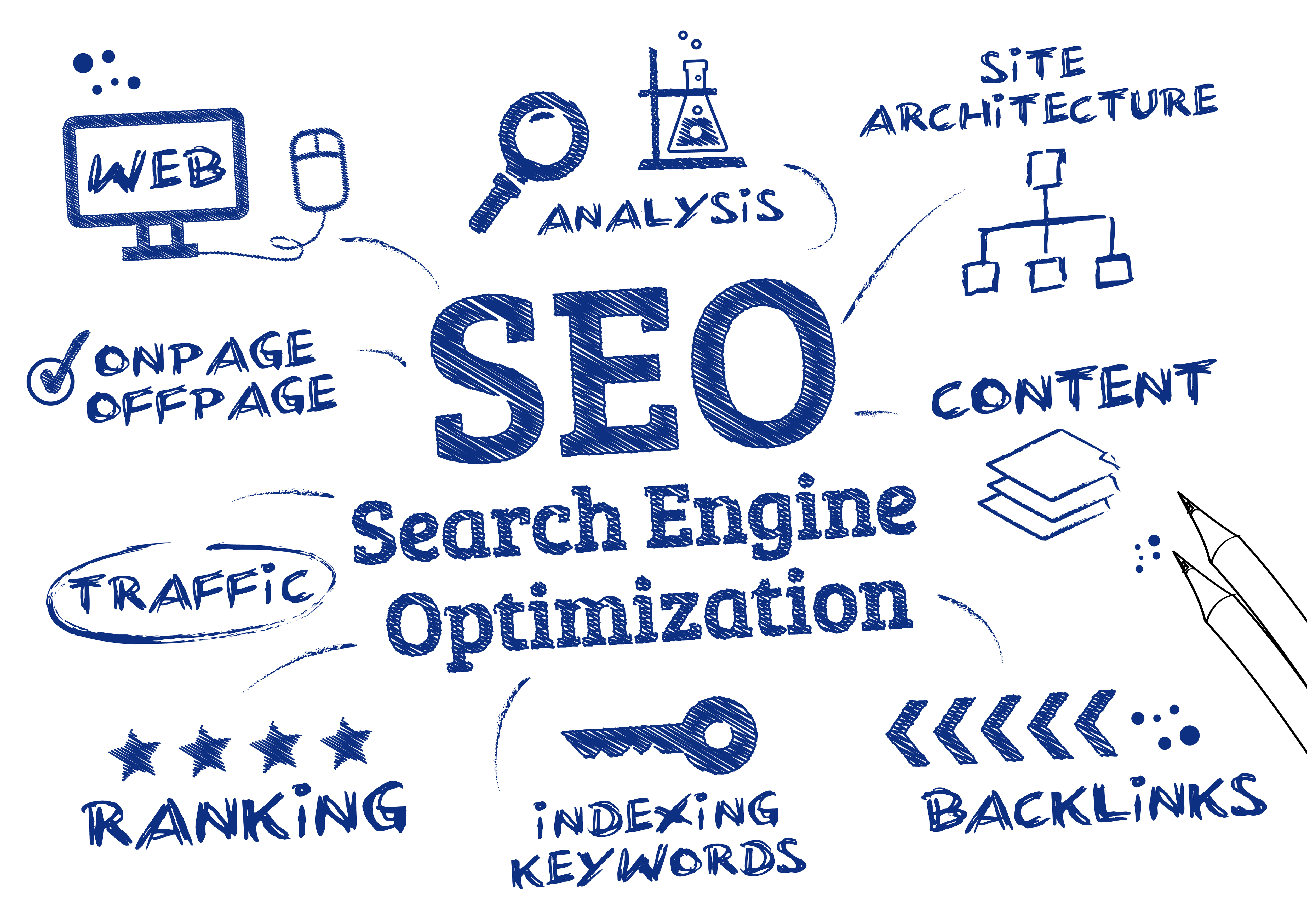
Do you think of how search engines such as Google, Bing and Yahoo rank your website within their searches? why some website show-up on the top list of searches and why others don't. Or how various images and videos appear when you search. Content are ranked based on what the search engine considers most relevant to users searches? This is the world of search popularly called Search Engine Optimization (SEO).
Search Engine Optimisation is a technical, analytical and creative process to improve the visibility of a website in search engines. Its primary function is to drive more visits to a site that convert into sales.
Equip yourself with the SEO knowledge in this 2-day course, and unleash the power of SEO in the increasingly competitive online space.
- Intensive 2-day( two weekends 6hrs) or 5-day(Mon - Fri 2hrs) course covering all aspects of Search Engine Optimisation (SEO)
- Great introductory course for professionals with little or no SEO knowledge
- Get updated on the latest SEO knowledge to start researching and planning a competitive SEO strategy
- Learn the strategy behind great SEO, including keyword planning, content optimization, link building, and SEO for ecommerce, local search, and mobile audience.
- Details
- Category: IT
- Hits: 3676
Office Training and Tutorials
Explore the Microsoft Office applications suite. Learn to write documents, take notes, create spreadsheets, and more. Our Office training covers a wide range of software titles including Excel, Publisher, OneNote, Outlook, SharePoint, Word, Access, and PowerPoint.
Microsoft Office is a set of desktop applications that offer flexible and powerful ways to organize, manage, and present information. Universally used in office settings, knowledge of Microsoft Office tools are a must for anyone in today's job market.
MICROSOFT OFFICE TRAINING
Microsoft Office products help improve work efficiency with user friendly features that enable easy and secure information sharing. Microsoft Office products provide resources for professional presentation of data that is compatible with most operating systems.
 Microsoft Office products help improve work efficiency with user friendly features that enable easy and secure information sharing. Microsoft Office products provide resources for professional presentation of data that is compatible with most operating systems.
Whether you are looking to expand your Microsoft Office skills for personal use, embarking on a new career, or working towards career advancement, New Horizons has the Microsoft Office training that you are looking for.
New Horizons designs its Microsoft Office classes to get the student engaged in real life situations, so that you or your team can take the skills learned and apply them to everyday scenarios. In fact, over 98% of New Horizons students indicate higher on the job productivity levels.
Microsoft Office training from New Horizons will help you or your team effectively utilize all the features of Microsoft Office products, and set you or your team up for Microsoft certifications, if desired. All of our trainers are Microsoft Certified.
MICROSOFT OFFICE PRODUCTS

Office 365 - Microsoft Office 365 is the same Office you already know and use every day. Office 365 is powered by the cloud, so you can access your applications and files from virtually anywhere.

Microsoft Publisher - Publisher is a desktop publishing software package to create various types of marketing materials, including newsletters, brochures, catalogs, postcards and calendars.

Microsoft Access - Access is a database tool for gathering and understanding all of your information such as phone numbers, inventory and even guest lists, providing a convenient way to enter, navigate and report your data.

Microsoft Outlook - Outlook is the world's most popular application for email, calendars, and contacts. The Outlook desktop application works with both your personal and work email.

Microsoft Excel - Excel is a spreadsheet application, typically used to display and manipulate numerical data. Microsoft Excel provides data organization and analysis tools that enables you to sort, extract and generate charts from spreadsheet data.

Microsoft PowerPoint - PowerPoint enables you to create dynamic presentations through the use of text, graphics and animation. Slide presentations created with the software are often displayed on projection screens for business, training or educational presentations.

Microsoft Visio - Visio is a diagramming tool that can be used to visually communicate technical as well as non-technical representations of ideas, processes, charts, structures, layouts, software models, blueprints and more.

Microsoft Project - Microsoft Project allows you to control project schedules and finances, communicate and present project information, and ensure that projects are completed on schedule throughout a project life cycle.

Microsoft Word - Microsoft Word is the de facto standard in business for creating documents such as letters, invitations, term papers, flyers, resumes, novels and other documents.

Microsoft OneNote - OneNote allows you to keep notes in handy in a convenient location – exactly where you are – enabling you to find and use them simply.
Testimonials
Anonymous
I bought and used your e-learning packs for my ACCA exam, for F5, F6 and F7 and i pass them. It really help me tremendously. Looking forward to buying for other papers. Thanks

Chigozie
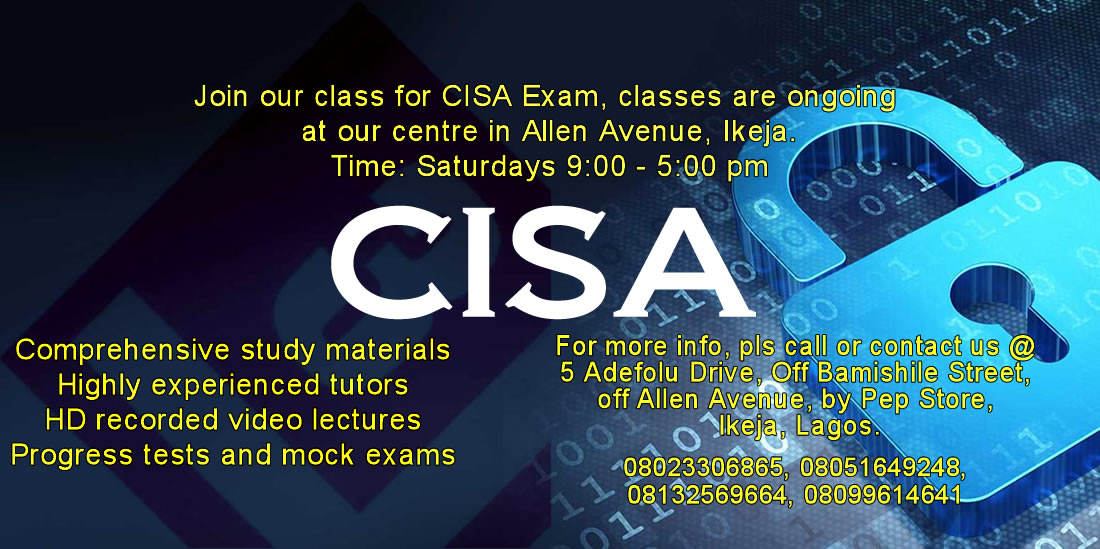
CISA December 2016
The workload for some of us took a toll on preparing for the exam, sincerely attending classes helped a great deal. The experience and examples shared by the tutors were such one need not miss. THANKS TO GOD ALL THE SAME
Bukky
I bought the vTutor packs for my ACCA F2 anf F7 exam. I enjoyed how the tutor taught each topic which made it very simple for me to understand the papers. Nice work 3VLC, keep it up.

Joseph
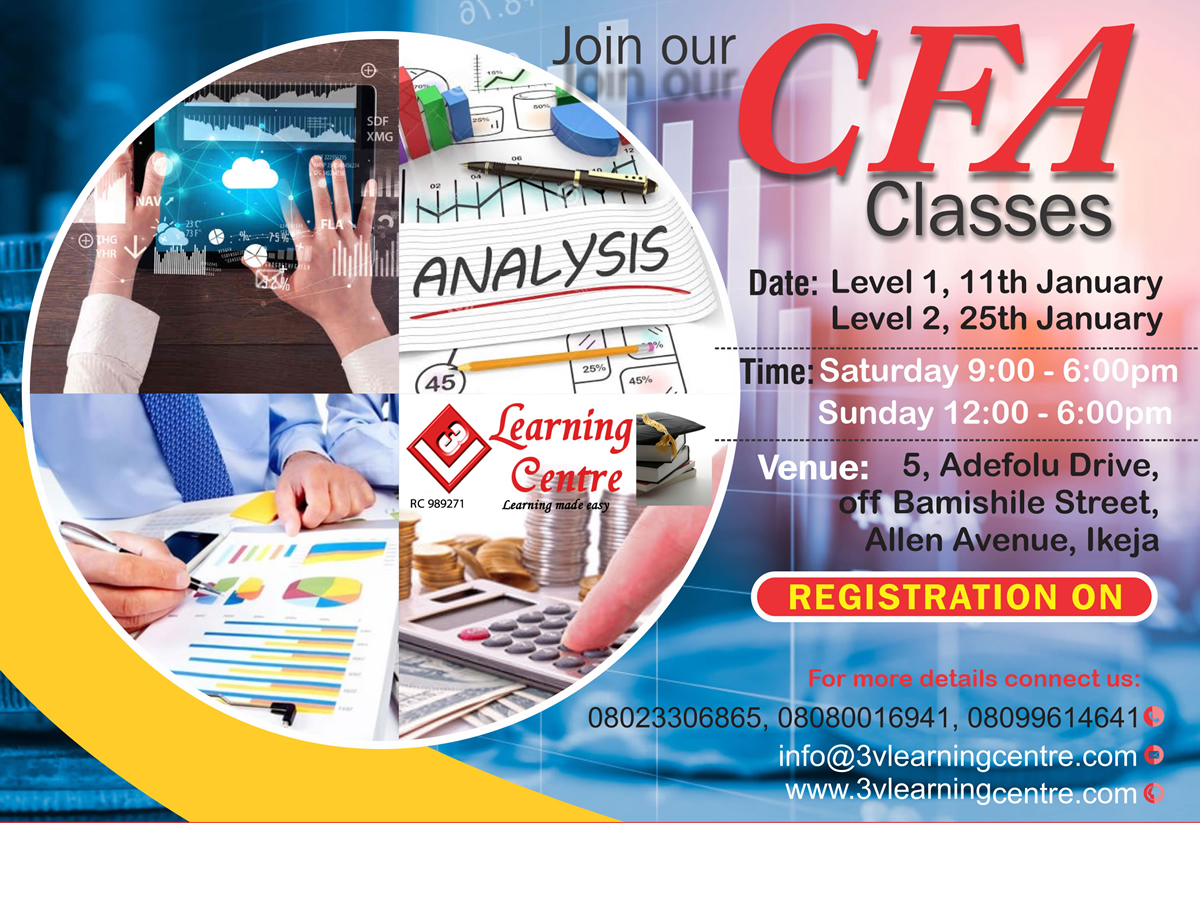
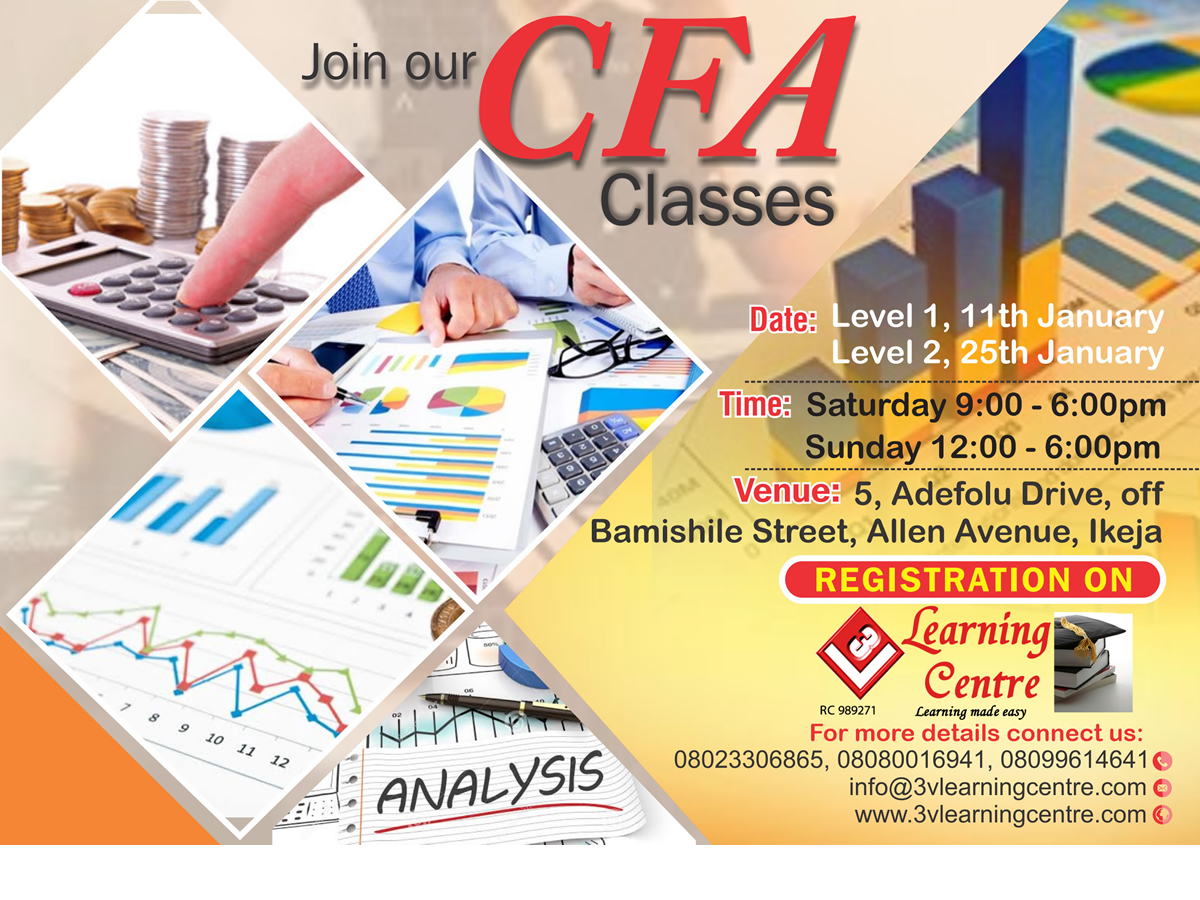
CFA December 2018
Special thanks to 3VLC for their sound lectures and hospitality.
Joy
CFA Distance Learning
I bought your video tutorial to prepare in Port-Harcourt and found them to be of great help in helping understand and pass my CFA Level 1. Highly recommended.
Request a Phone Call
Have an Enquiry or Question?
Do you have an enquiry you would like to make, enter your name and phone number and we will call you back.