


Contact Us
3V Learning Centre
Block 4, Unit 7,
2, Araromi Street, Off Moloney street,
Behind Access Bank, Obalende,
Lagos Island, Lagos, Nigeria.
Phone:
+2348080016941,+2348099614641,
Whatsapp
+2348080016941,+2348099614641,
+2348023306865
Our Opening Hours
Uncategorised
- Details
- Category: Uncategorised
- Hits: 1651
Now that you have registered and paid for your exam, how do you start preparing for it, the next step is getting study packages and materials. We have a variety of study materials and packages to help you prepare and pass your exams at a sitting.
ACCA
For ACCA exam, we have these study packages and materials available.
BPP study text, exam kits, iLearn and iPass Kaplan study text and exam kits LSBF Self Study Pack


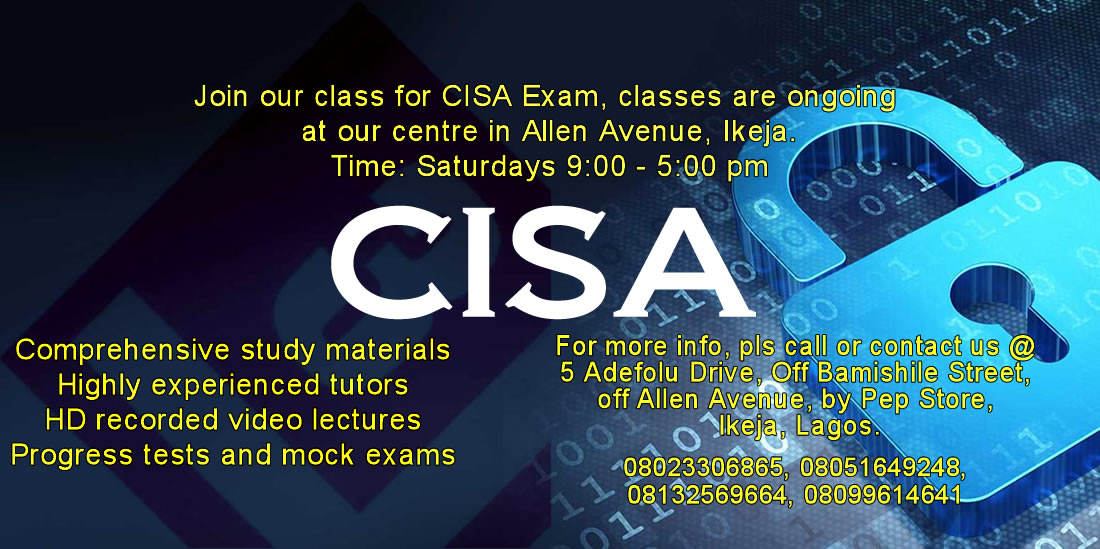
CISA
we have these study packages and materials available
Self Study Package
CISA Exam Review

TOEFL
Kaplan TOEFL iBT 2010-2011 Cracking the TOEFL iBT 2011 Edition


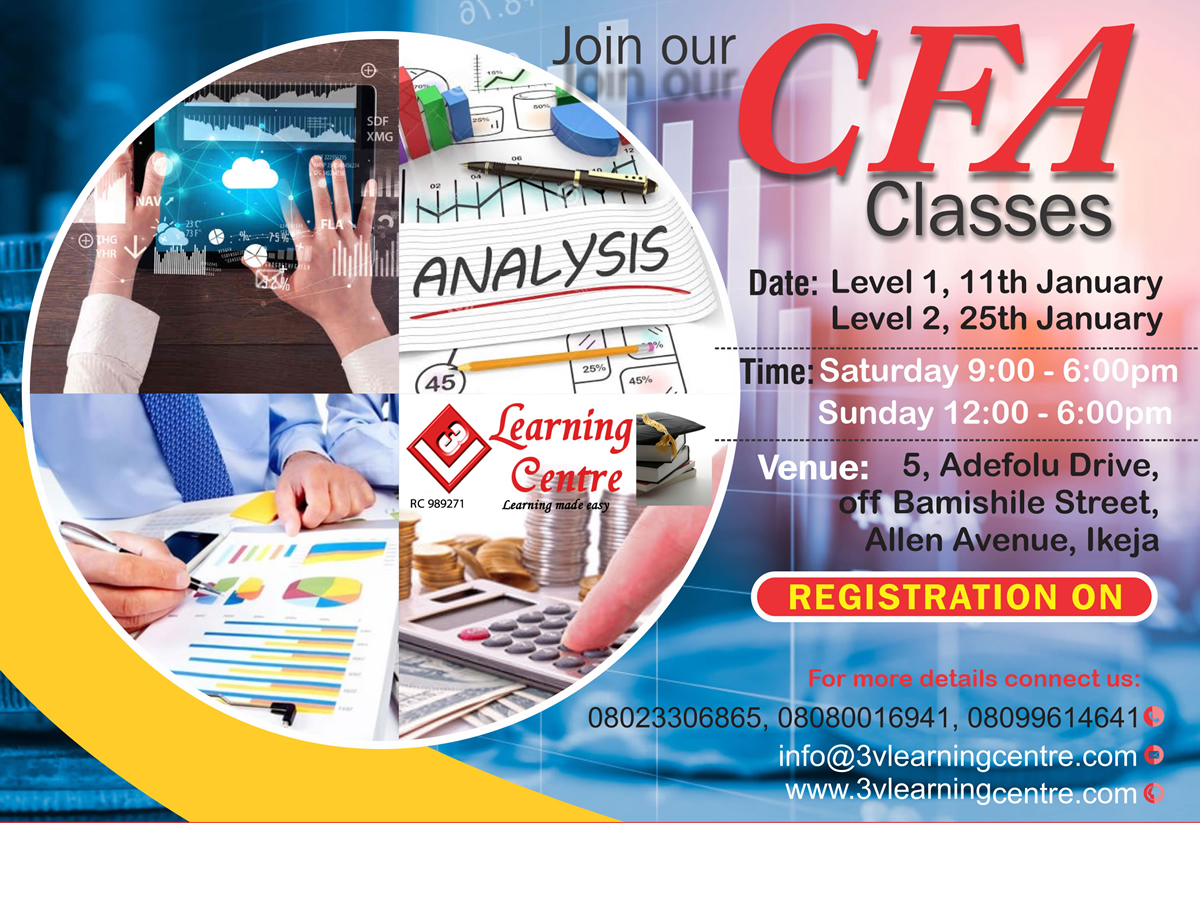
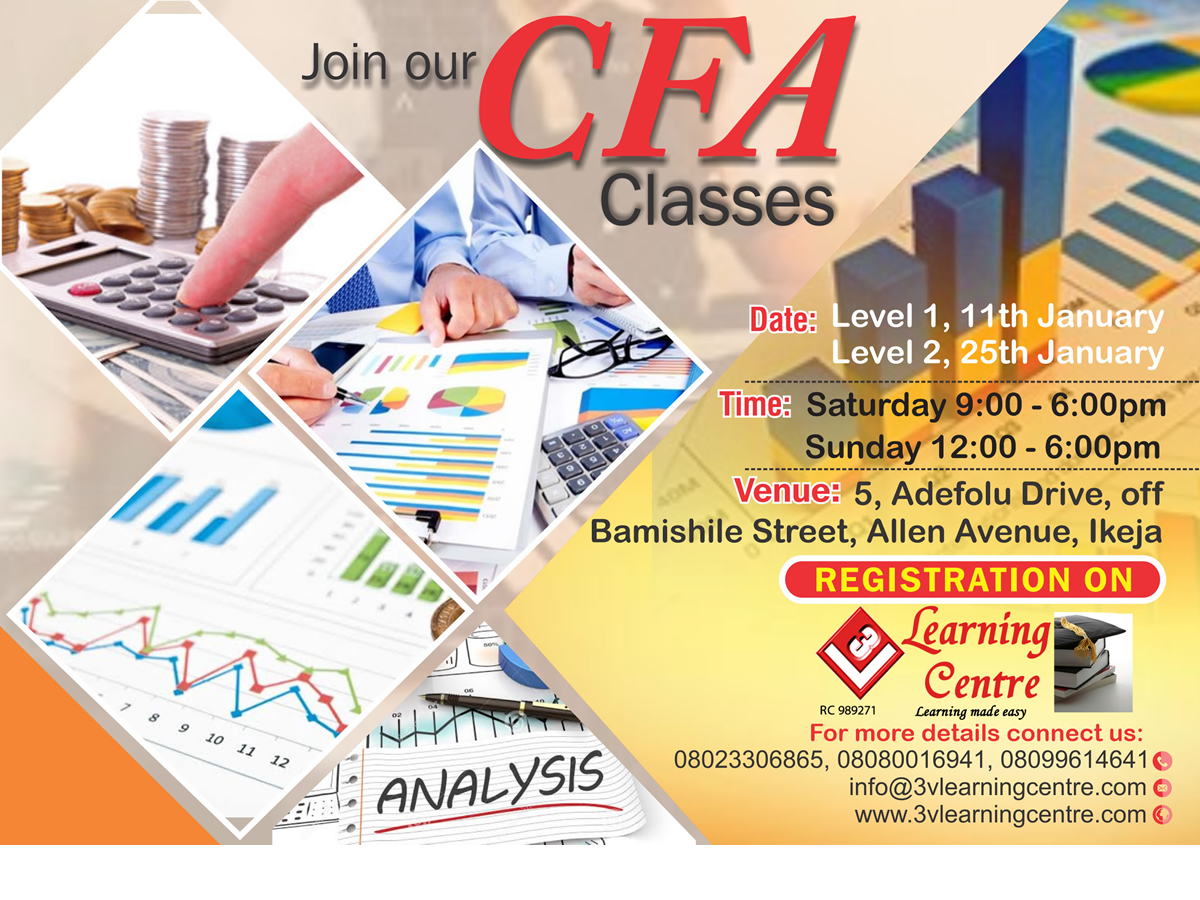
CFA
Kaplan Schweser CFA 2011 Level 1 Video Classes

/h3
- Details
- Category: Uncategorised
- Hits: 2656
It's easy to get started creating your website. Knowing some of the basics will help.
What is a Content Management System?
A content management system is software that allows you to create and manage webpages easily by separating the creation of your content from the mechanics required to present it on the web.
In this site, the content is stored in a database. The look and feel are created by a template. Joomla! brings together the template and your content to create web pages.
eLearning Tuition
To login to your site use the user name and password that were created as part of the installation process. Once logged-in you will be able to create and edit articles and modify some settings.
Creating an article
Once you are logged-in, a new menu will be visible. To create a new article, click on the "Submit Article" link on that menu.
The new article interface gives you a lot of options, but all you need to do is add a title and put something in the content area. To make it easy to find, set the state to published.
Template, site settings, and modules
The look and feel of your site is controlled by a template. You can change the site name, background colour, highlights colour and more by editing the template settings. Click the "Template Settings" in the user menu.
The boxes around the main content of the site are called modules. You can modify modules on the current page by moving your cursor to the module and clicking the edit link. Always be sure to save and close any module you edit.
You can change some site settings such as the site name and description by clicking on the "Site Settings" link.
More advanced options for templates, site settings, modules, and more are available in the site administrator.
Site and Administrator
Your site actually has two separate sites. The site (also called the front end) is what visitors to your site will see. The administrator (also called the back end) is only used by people managing your site. You can access the administrator by clicking the "Site Administrator" link on the "User Menu" menu (visible once you login) or by adding /administrator to the end of your domain name. The same user name and password are used for both sites.
Learn more
There is much more to learn about how to use Joomla! to create the web site you envision. You can learn much more at the Joomla! documentation site and on the Joomla! forums.
Testimonials
Anonymous
I bought and used your e-learning packs for my ACCA exam, for F5, F6 and F7 and i pass them. It really help me tremendously. Looking forward to buying for other papers. Thanks

Chigozie
CISA December 2016
The workload for some of us took a toll on preparing for the exam, sincerely attending classes helped a great deal. The experience and examples shared by the tutors were such one need not miss. THANKS TO GOD ALL THE SAME
Bukky
I bought the vTutor packs for my ACCA F2 anf F7 exam. I enjoyed how the tutor taught each topic which made it very simple for me to understand the papers. Nice work 3VLC, keep it up.

Joseph
CFA December 2018
Special thanks to 3VLC for their sound lectures and hospitality.
Joy
CFA Distance Learning
I bought your video tutorial to prepare in Port-Harcourt and found them to be of great help in helping understand and pass my CFA Level 1. Highly recommended.
Request a Phone Call
Have an Enquiry or Question?
Do you have an enquiry you would like to make, enter your name and phone number and we will call you back.